Case Study
Fun People Inc. is a fictional educational company born in 2014. They currently offer in-person courses for languages, music, yoga, and cooking.
Their main attraction is workshop camps and dozens of people join them every month in different locations, as the school has a very special approach: they integrate classes, outdoor activities, technology, humor, games, and other cool stuff into their mission of teaching people additional skills.
Problem statement
However, many people are unable to attend due to time and cost reasons, but still want to take part in a course. Fun People Inc. needed a way to provide an engaging online experience for those who could not attend.

My role as a Product Designer
in a nutshell


Develop an online learning platform that will transform in-person learning into a fully digital experience, allowing people with limited time and resources to participate.
First Sprint
Research and iterations and Mid-Fi prototype in Figma (4 days)
Team
Rafa Areses & Marta Cacavelos
Second Sprint
Rebranding
Mid-Fi testing & Hi-Fi prototyping
(4 days)
Team
Rafa Areses
First Sprint
The challenge
With this project, me and Marta had to create an online learning platform specifically for various courses, and to transform the in-person learning experience into a fully digital one.
User research
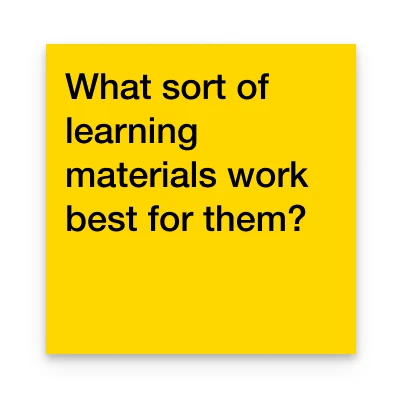
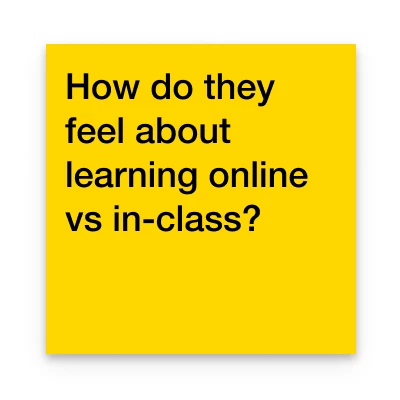
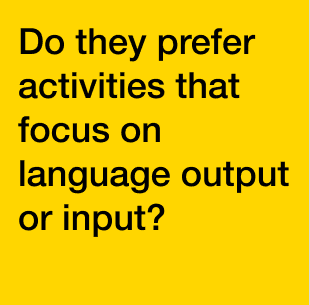
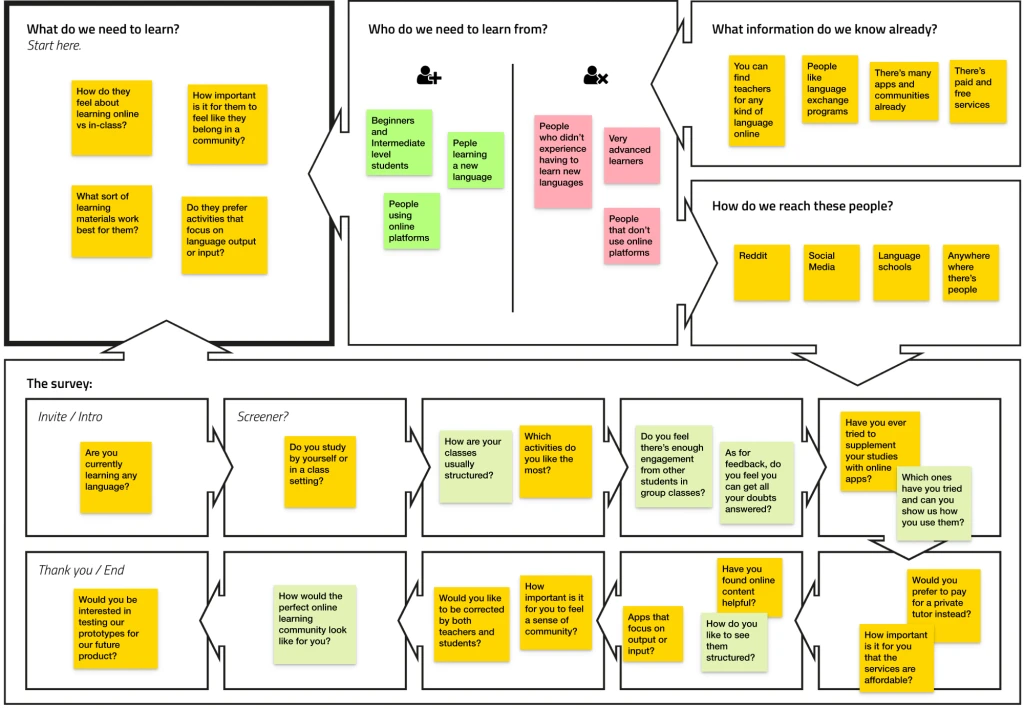
Because we were going to focus on language learners at first, both self learners and students in classrooms, we started our research by building a Lean Survey Canvas where we organised all the questions we would like to ask them and collect the most information in order to ideate on possible solutions for this platform.
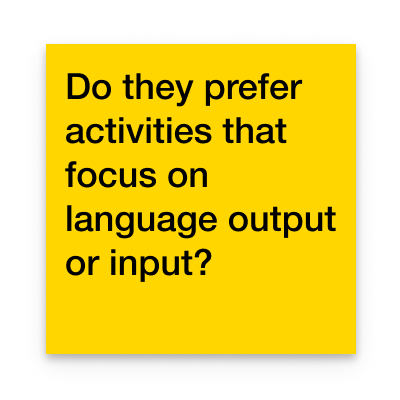
Lean Survey Canvas
What did we need to learn from our users?
However, many people are unable to attend due to time and cost reasons, but still want to take part in a course. Fun People Inc. needed a way to provide an engaging online experience for those who could not attend.
1
2
3
4
3 Interviews' Key Points
Learning online as a group can get boring fast because a lot of the students simply don’t actively participate.
The best materials were those that made the experience memorable, like talking about real life subjects or doing fun activities where you could get instant feedback.
Sharing and competing with colleagues gives a sense of meaning and belonging boosting engagement.
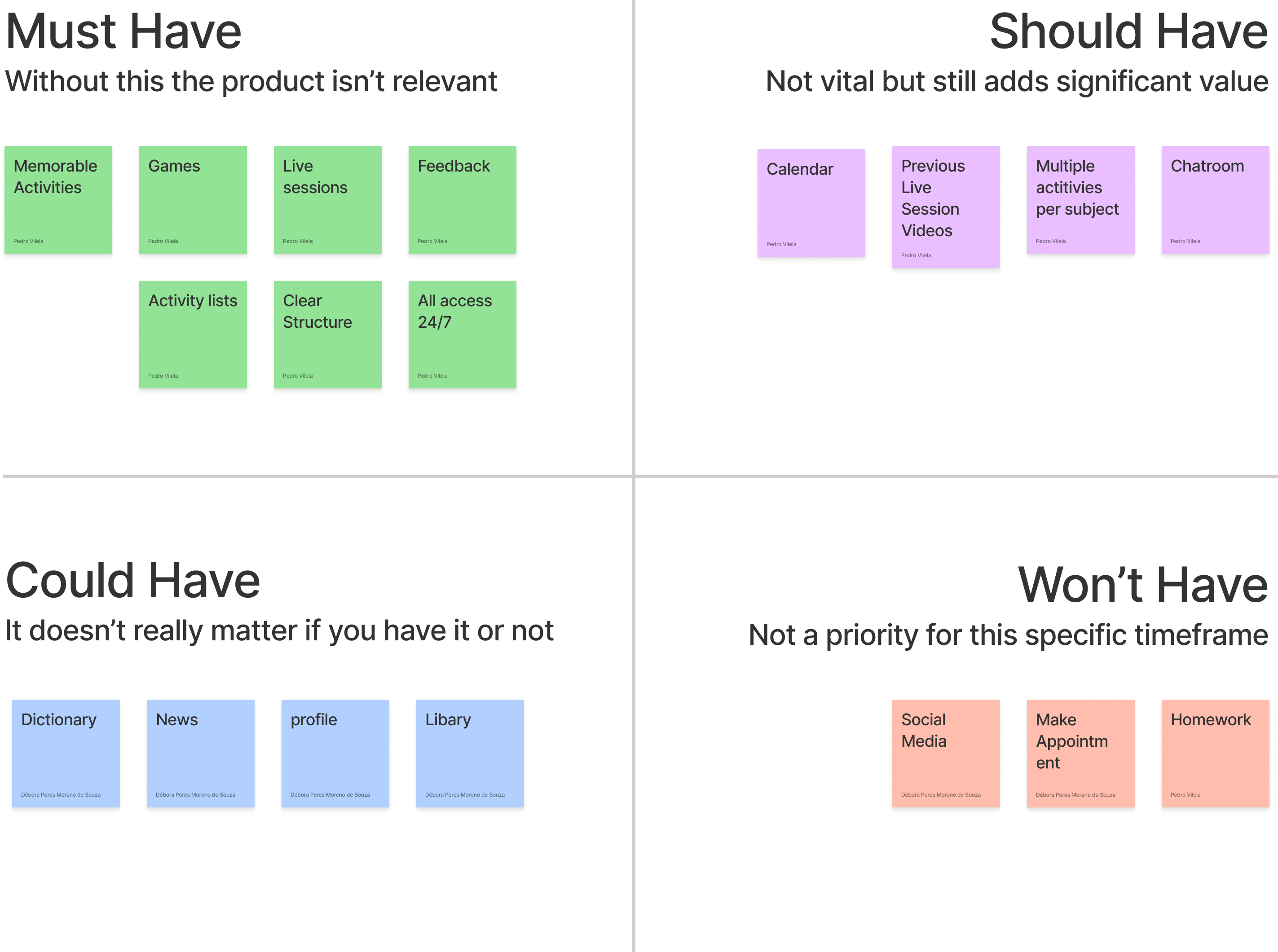
We did some feature prioritization using the MoSCoW method. This way we could understand which were the most important aspects of the app to start developing in order to have a minimum viable product.
Other techniques used: Sitemap, HMW and different low fi sketches with user testing for improving through iteration
Second Sprint
The challenge
With this project, me and Marta had to create an online learning platform specifically for various courses, and to transform the in-person learning experience into a fully digital one.
User research
Because we were going to focus on language learners at first, both self learners and students in classrooms, we started our research by building a Lean Survey Canvas where we organised all the questions we would like to ask them and collect the most information in order to ideate on possible solutions for this platform.
Lo-fi Prototype & Mid Fi
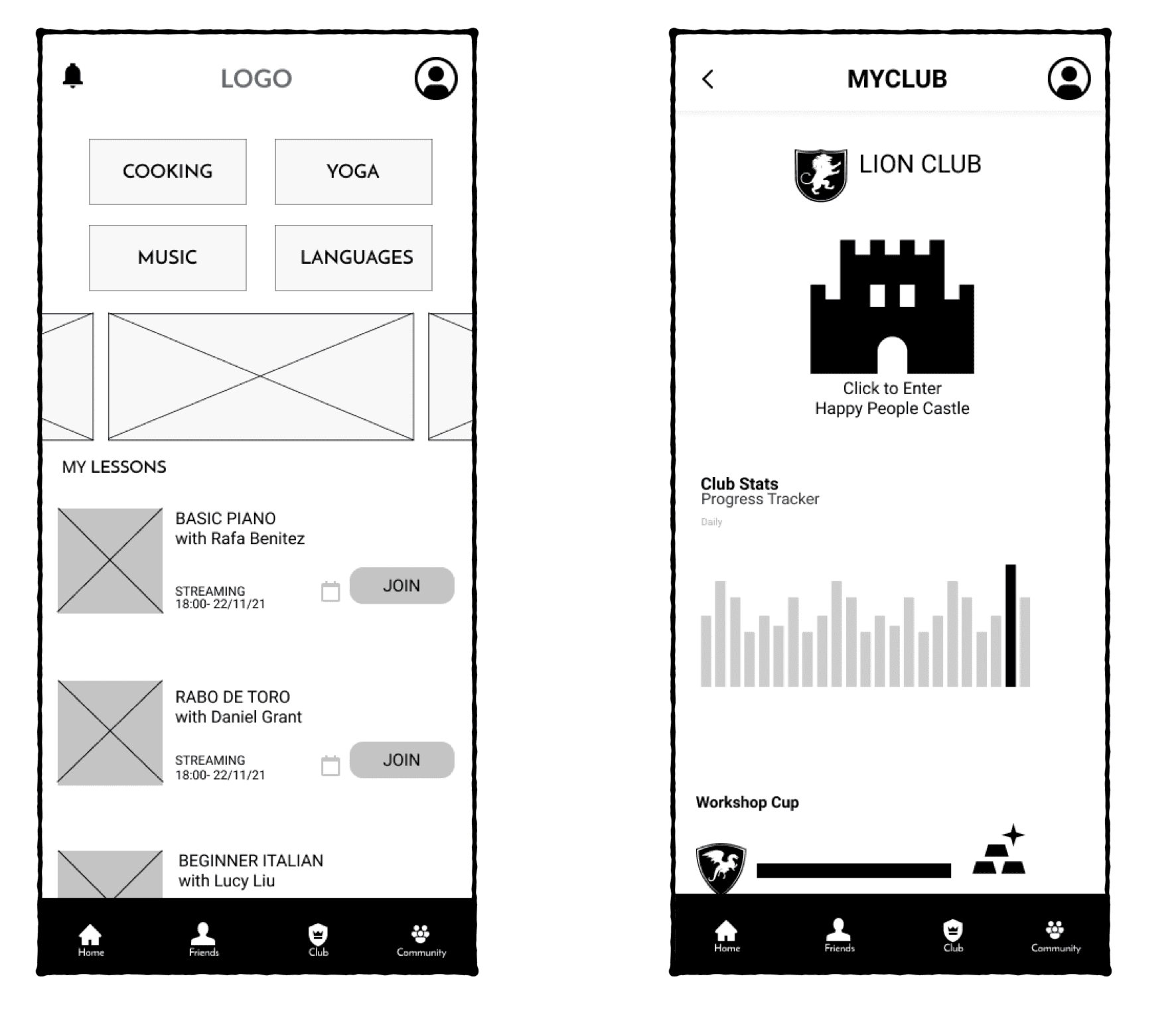
We tested our user experience with a Lo-fi paper prototype of Singing Hero, a Karaoke-style game with incomplete lyrics and pictorial clues. It was engaging and fun, garnering valuable feedback:
Introduce a weekly progress indicator for tracking advancement;
Include a Home button for better navigation;
Enable viewing and befriending other users via rankings;
Incorporate progress trackers and descriptions for daily activities and play modes
3 Interviews' Key Points
Learning online as a group can get boring fast because a lot of the students simply don’t actively participate.
The best materials were those that made the experience memorable, like talking about real life subjects or doing fun activities where you could get instant feedback.
Sharing and competing with colleagues gives a sense of meaning and belonging boosting engagement.
Branding
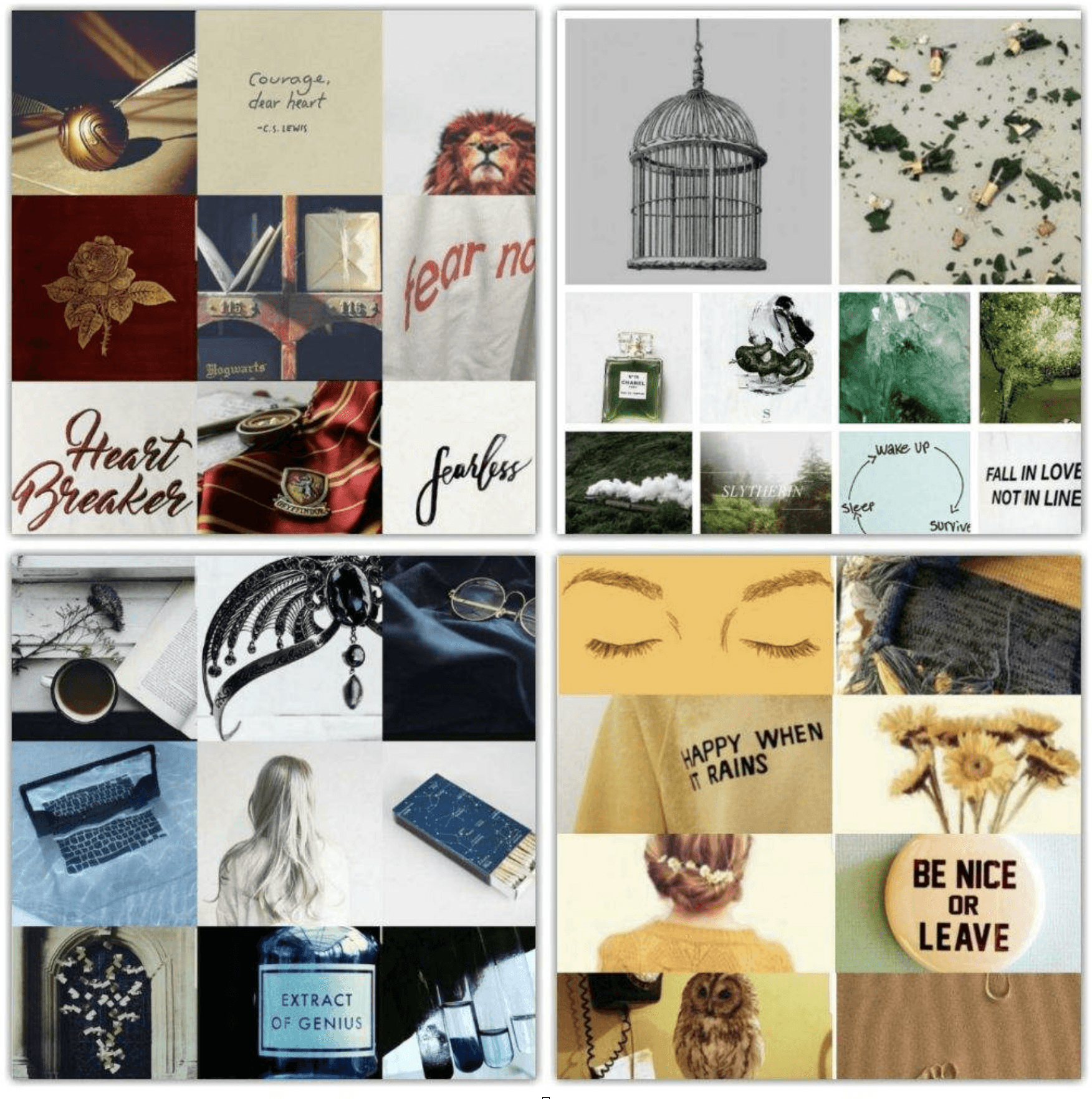
I wanted the app's final design to have a more light hearted and fun visual style, and while I was sketching I came up with a character based on our previous icon for the Live Sessions.
For all of the components and elements that I was going to need, I created variations of Poopy so everything felt like one big game.
Taking into account: grid system
Features
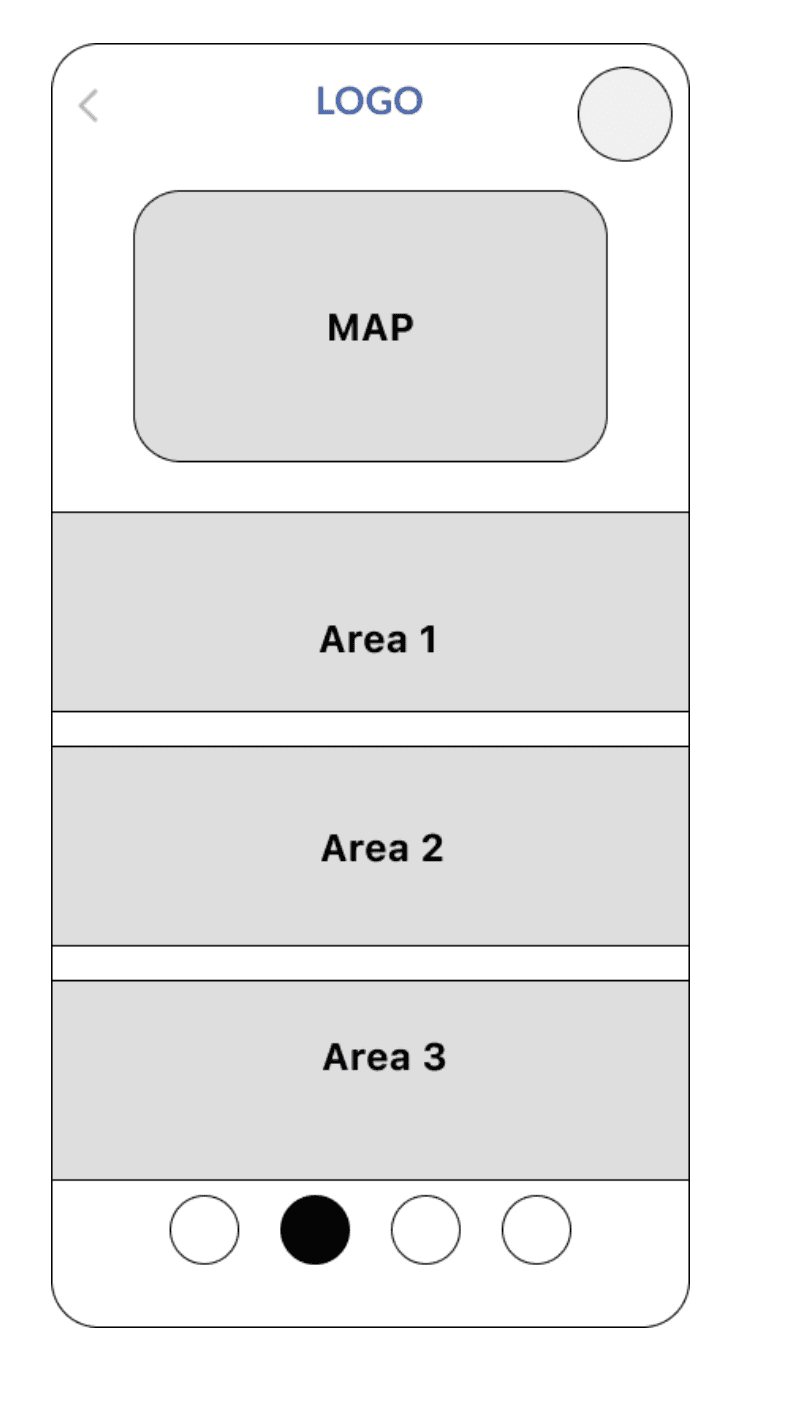
Map with several locations for in-game interaction | Profile with statistics and personal motivator | MyClub becomes MyHouse | Immersive experience
The solution
The first sprint ended with the development of a Mid-fi prototype as me and Débora continued to iterate after the feedback from our users.
We tested it again and it was ready for further development, but this time we were going to take it on an individual direction, and my focus would be on rebranding and designing all the visuals for the app
Let's dive into it!

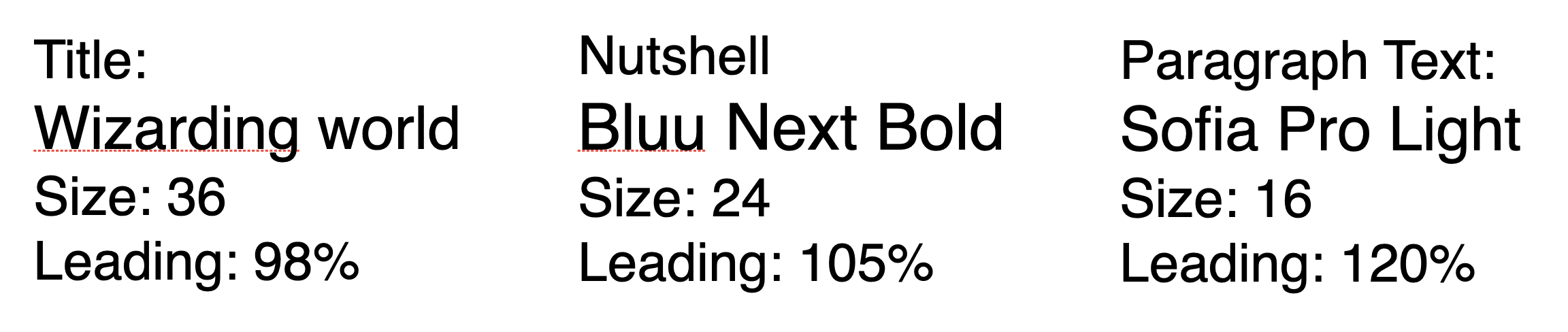
Typography
Enjoy
Welcome to the wizarding world
My Design Process
UX


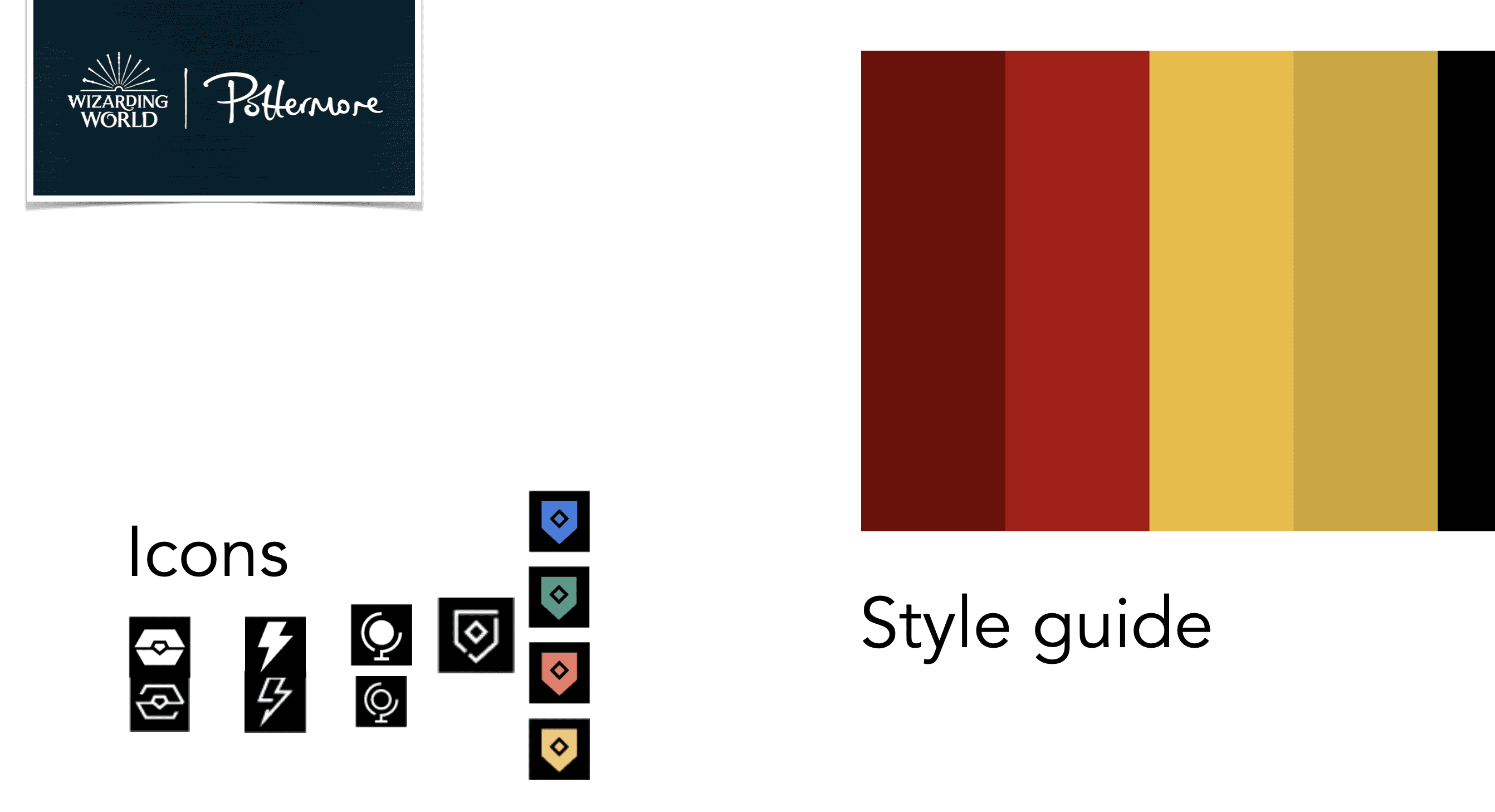
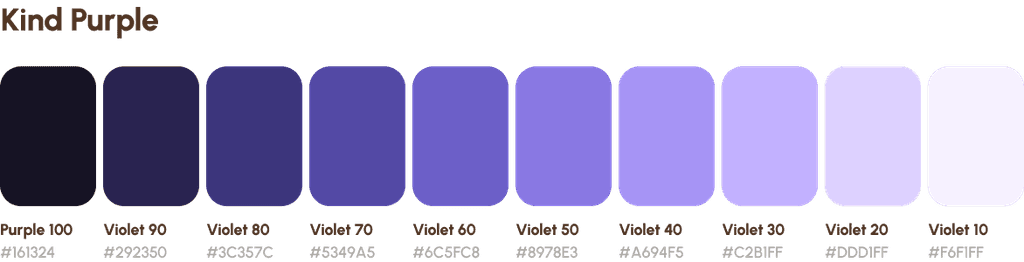
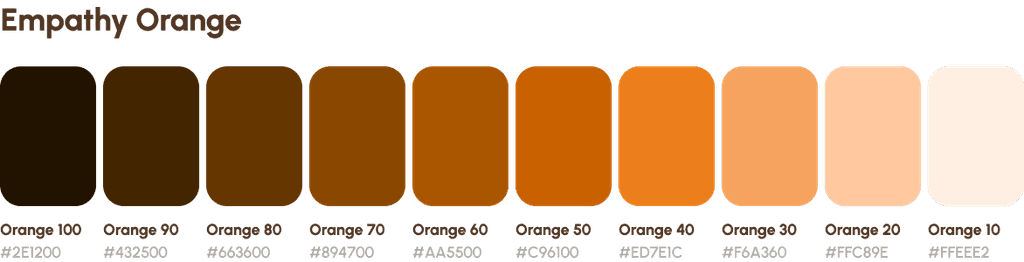
We had to keep in mind that we are partnered with different companies with different logos and identities that will coexist together in our app.
The color system used for UI illustrations is based on a neutral color palette utilized in harmony with our partners' brands. This creates a sense of cohesiveness between the illustrations and other UI components.
Below: our colour study
Creating components
To ensure the quality of our components, we prioritized three key elements:
Accessibility: We checked the color contrast ratio and used all lowercase to respect the brand and comfortable character spacing on CTAs to enhance accessibility. The minimum size of tab buttons on mobile is 48px.
Intuitiveness: We followed an adaptive design approach to ensure our components are platform-friendly. For example, a progress indicator component was used to guide the user through the survey and provide an understanding of the survey's progress without tiring the end-user.
Aesthetics: We believe in stepping up our UI game by using modern design elements such as clean and minimal design, rounded corners, vibrant colors, and smooth shadows, in accordance with Jakob's law.
Impact
Working on our design system has posed significant challenges, but it has yielded several benefits for our company on various fronts.
Regarding our team:
Development: Our design system has simplified the lives of developers by enabling seamless communication with the design team when discussing implementation.
This has allowed them to focus on features rather than low-level UI primitives such as color and space values, small components, interactions, states, etc.
Design: Thanks to our readily available library of components, designing high-fidelity interfaces has become a straightforward task, reducing the time taken from days to just a few hours.
For the user:
While the benefits mentioned above pertain to internal aspects of the company, the true impact of our design system can be seen in the enhancement of our user experience.
Woohoo!
This design system has allowed us to build prototypes quickly for other clients, test more ideas, evaluate our hypotheses faster, and create more variations to A/B test.
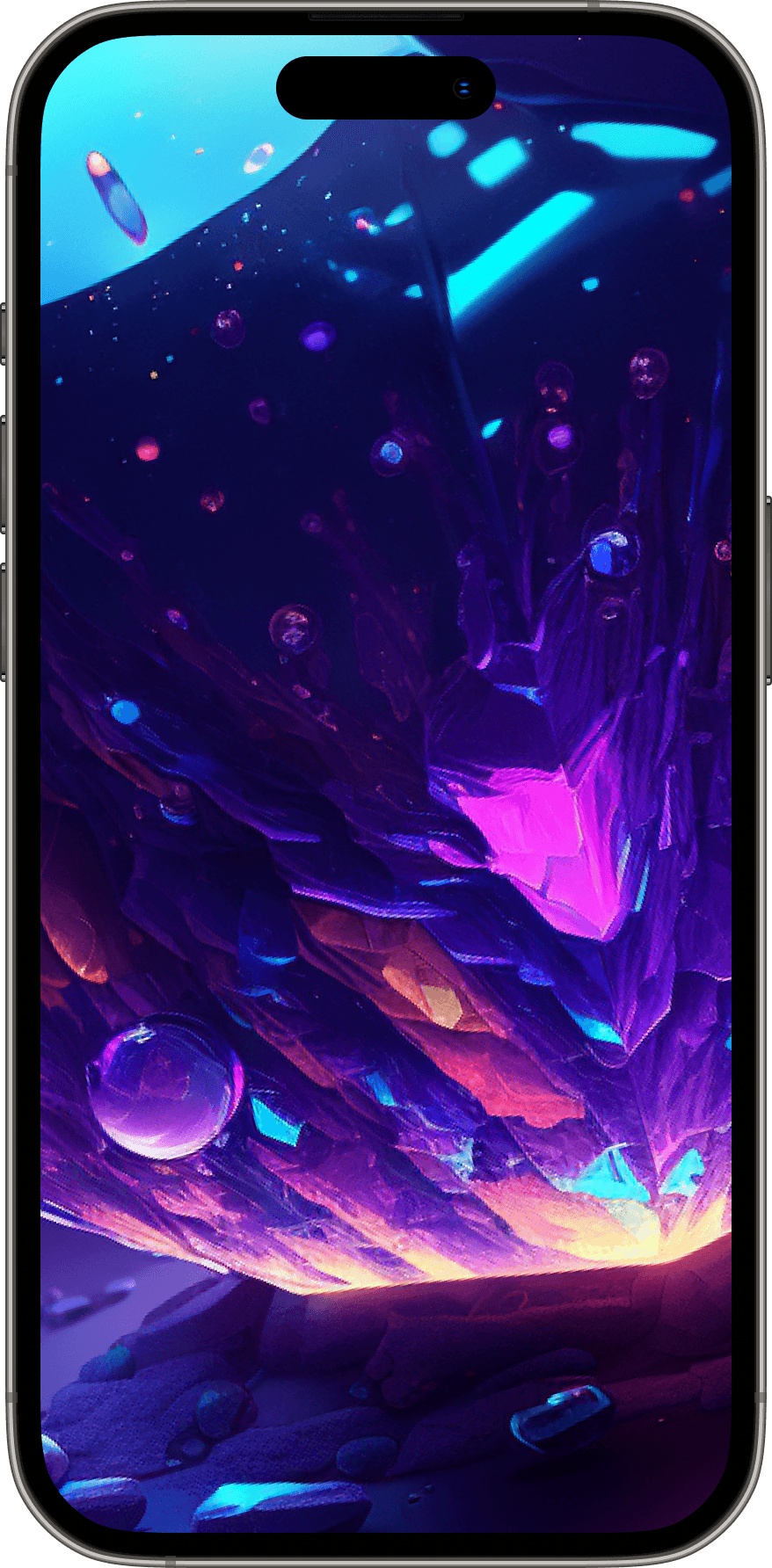
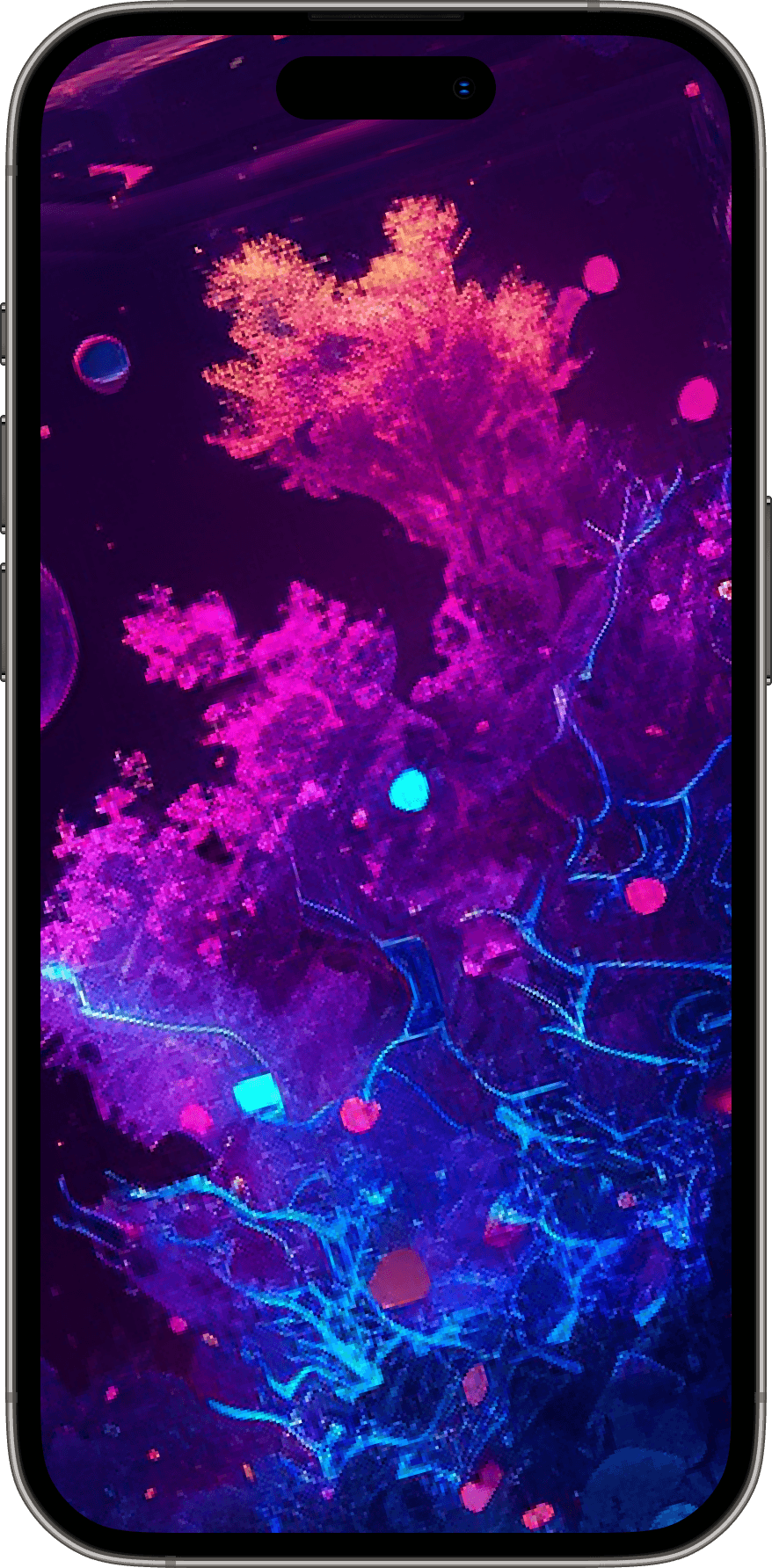
Go ahead and check out one example!
Validation
We conducted user testing with a group of volunteers to test the app's usability and effectiveness. The feedback we received was largely positive, with users finding the app easy to use and navigate.
However, some users suggested that the app could benefit from additional features such as the ability to scan barcodes to add products to the cart and the ability to schedule pickup times. Here are some other improvements we made after the user testing phase:
Super fast orders & payment
Users can quickly add products to their cart and pay using their preferred payment method, such as credit card or mobile wallet.
Easy pickup
Once the order is ready, users can simply walk into the store and pick up their order without waiting in queues.
Learnings
The process of resolving this issue has provided an exceptional opportunity to enhance our expertise in design system creation and UX design. Although we encountered a few obstacles during the course of this case study, we were able to draw upon our extensive knowledge and experience to overcome them.
Our mastery of various design principles and techniques enabled us to navigate through challenging circumstances, resulting in substantial improvements to our skill set.
The challenges we faced included managing time and resource limitations, ensuring that our product components were bilingual to accommodate our diverse user base, and bringing together various stakeholders for seamless collaboration.
Next Steps
Expand mental health services through partnerships.
Introduce personalized matching algorithm.
Continuously improve user interface and experience.
Launch social support feature.
Enhance app security and privacy.